Integrate Smart Feeders with Alexa & Google Home
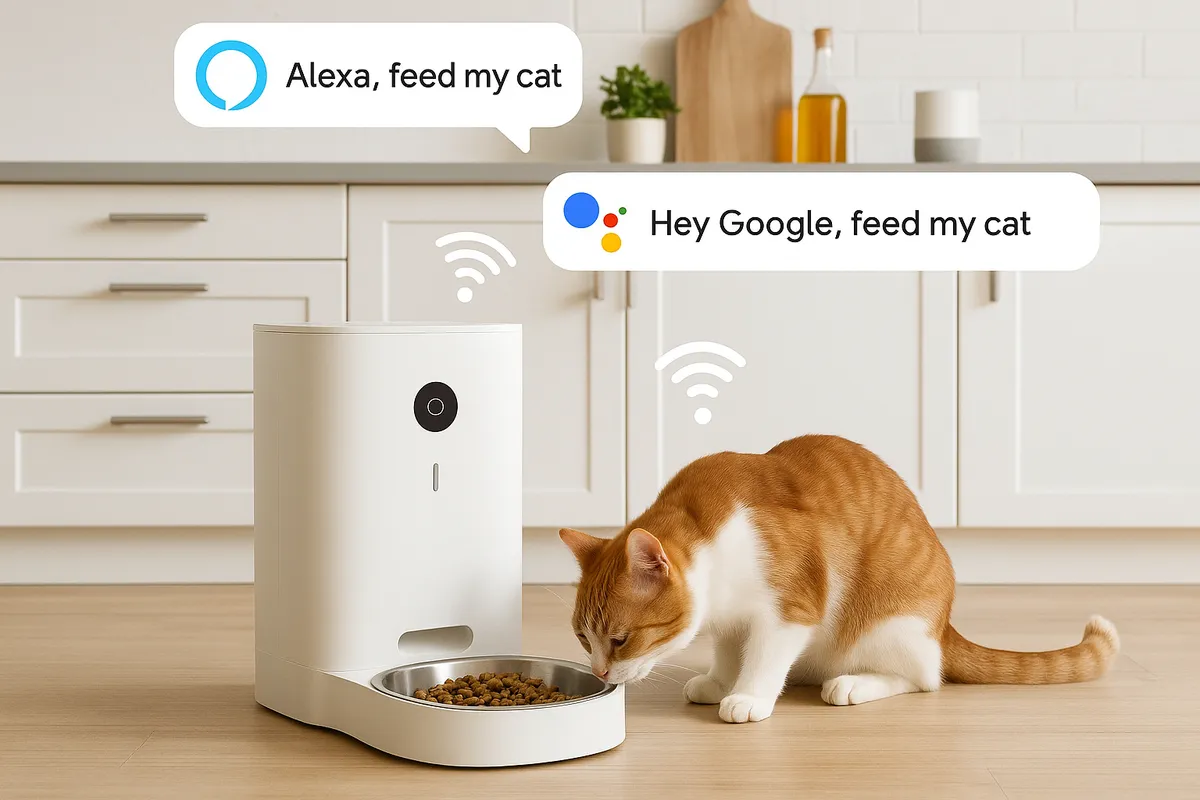
Integrating Your Feeder with Alexa, Google Home, or Other Smart-Home Systems
Introduction
Integrating a smart pet feeder with voice assistants like Alexa or Google Home provides numerous benefits, such as hands-free feeding, remote control, automation, and peace of mind. This tutorial will guide you through the process of integrating your pet feeder with these smart-home systems, enhancing convenience and improving your pet’s feeding routine.
Overview of Compatible Devices & Platforms
Popular Smart Feeders
- PETKIT Smart Feeders: Supports Alexa for on-demand feeding with precise portions. Example command: “Alexa, open Petkit, feed right now.”
- PAPIFEED Smart Pet Feeder: Works with Smart Life app and Alexa; customizable voice commands and serving sizes.
- Tellur Smart Automatic Food Dispenser: Compatible with Alexa, Google Home, and Siri Shortcuts; includes camera, voice messaging, and app control.
- Petlibro / Eufy Pet Feeders: Integrates with Alexa and Google Home via vendor apps; supports voice commands and routines.
- Birdfy Feeders: Compatible with Alexa and Google Home; offers live camera feeds on smart displays.
DIY Options
- ESP32/ESP8266-based feeders: Use Espalexa or FauxmoESP libraries for Alexa voice control.
- LEGO Mindstorms-based P3T Feeder: Utilize the Alexa Gadgets Toolkit for voice control.
Step-by-Step Integration Guide
Preparation
- Ensure your feeder and smart speaker are on the same 2.4 GHz Wi-Fi network.
- Install and set up the feeder via its vendor app (e.g., Petlibro, Eufy Pet, Smart Life).
Linking to Alexa
- Open the Alexa app → More → Skills & Games → search for the feeder’s brand → Enable Skill.
- Sign in and allow device discovery.
- Rename the device for clarity (e.g., “Kitchen Feeder”).
- Test voice commands:
- PETKIT: “Alexa, open Petkit, feed right now.”
- PAPIFEED: Customizable via Smart Life and Alexa.
Linking to Google Home
- Open Google Home app → “+” → Works with Google → search and link the feeder’s brand account.
- Use voice commands like “Hey Google, feed the cat.”
Creating Routines & Automations
- Alexa Routines: Example - Morning routine triggers feeder, lights, and camera stream.
- Google Home Routines: Similar setup via Google Home app, combining feeder with other smart actions.
- IFTTT Integration: Automate feeding based on triggers like motion detection.
Troubleshooting Tips
- Wi-Fi Issues: Ensure 2.4 GHz band and avoid guest networks.
- Device Not Detected: Disable and re-enable the skill, then rediscover devices.
- Offline Status: Restart vendor app and Google Home.
- Voice Command Failures: Use simple names and precise phrasing.
- Hardware Failures: Keep a backup battery and offline schedule for reliability.
Advanced DIY Integration (Optional)
ESP32/ESP8266 Projects
- Use Espalexa or FauxmoESP to emulate Alexa devices and trigger dispensing.
LEGO Mindstorms P3T Feeder
- Build a feeder with EV3 and use Alexa Gadgets Toolkit for voice control.
Best Practices & SEO Opportunities
- SEO Keywords: “Alexa pet feeder setup,” “Google Home pet feeder integration.”
- Content Enhancements: Include screenshots, comparison tables, and downloadable routine templates.
Conclusion
Integrating your smart pet feeder with Alexa, Google Home, or other systems offers convenience, automation, and improved pet well-being. Follow the integration steps, customize routines, and share your experiences. Choose the right feeder and enjoy seamless pet care!